Duplicates
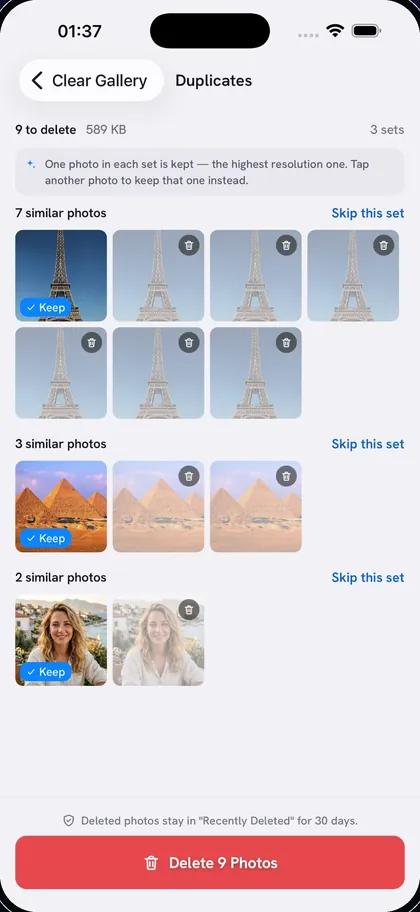
Near-identical shots, grouped
Clear Gallery groups shots that look nearly the same and were taken around the same time, like the five tries it took to get one photo right. The highest-resolution photo in each set is kept; tap another to keep it instead, or skip a set entirely.
Finding duplicate photos on iPhone
Search by words
Type what you want gone
Clear Gallery looks at what’s actually in each photo, not at file names or dates, so “receipts” finds receipts and “blue t-shirt” finds the blue t-shirt.
1 match · searched on your iPhone
How searching by description works
One person
Every photo of one person
Pick a face and Clear Gallery gathers every photo that person appears in, so you can review them together. Strict, Normal or Broad matching decides how close a match has to be. Faces are matched on your iPhone after a small extra download of about 6 MB.
Look-alikes
Show one example, find the rest
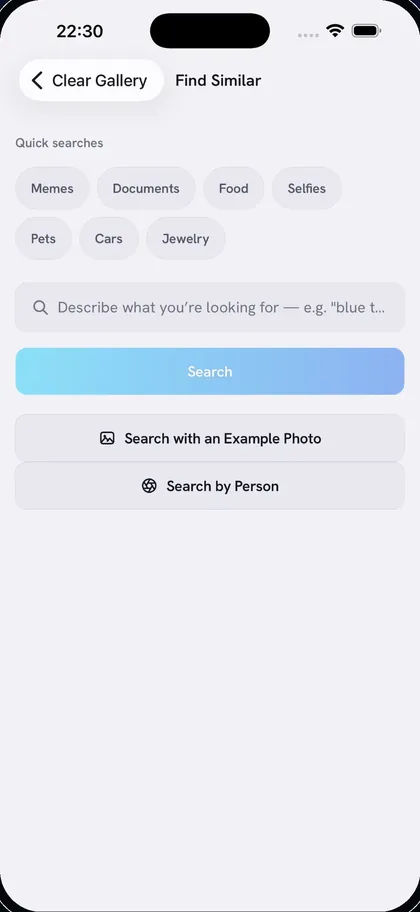
Some things are easier to show than to describe. Pick one to three photos of the kind you don’t want and Clear Gallery finds the ones that look like them.
Screenshots and receipts
Every screenshot in one sweep
Screenshots are gathered the moment you open the app, with no AI download needed. Photos of paperwork you needed once, like receipts, tickets and forms, are one tap further.
Deleting all screenshots at once